
- Only users with ‘Owner’ or ‘Builder’ status can export comments to a CSV file.
-
Ensure you are logged in to Zencity Engage.
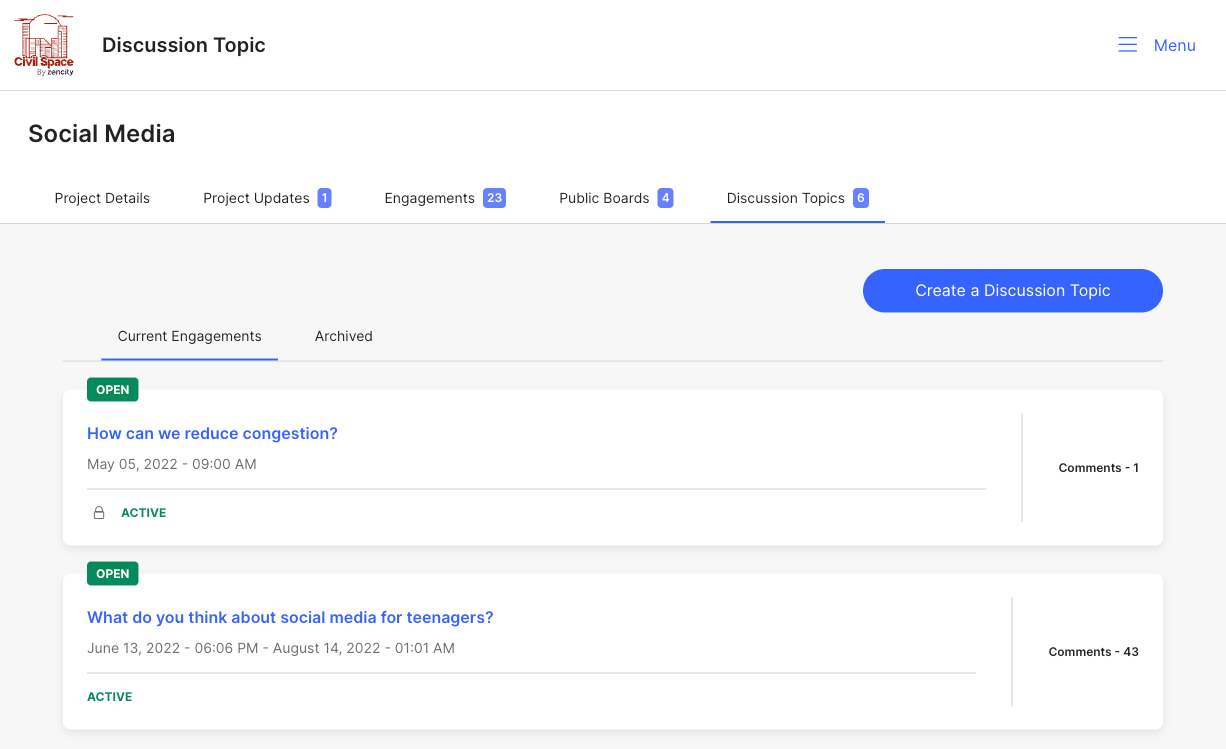
- Navigate to your project page, then go to your 'Discussion Topic' tab and select the discussion topic that you want to view.
-
-
Navigate to the 'Comments' tab. Click on the 'Export Comments
as CSV' button. Your export will be sent to the email address
that you are logged in with.

Comments
0 comments
Article is closed for comments.