
- Only users with ‘Owner’ or ‘Builder’ status are able to suspend a community member.
-
Ensure you are logged in to Zencity Engage.
-
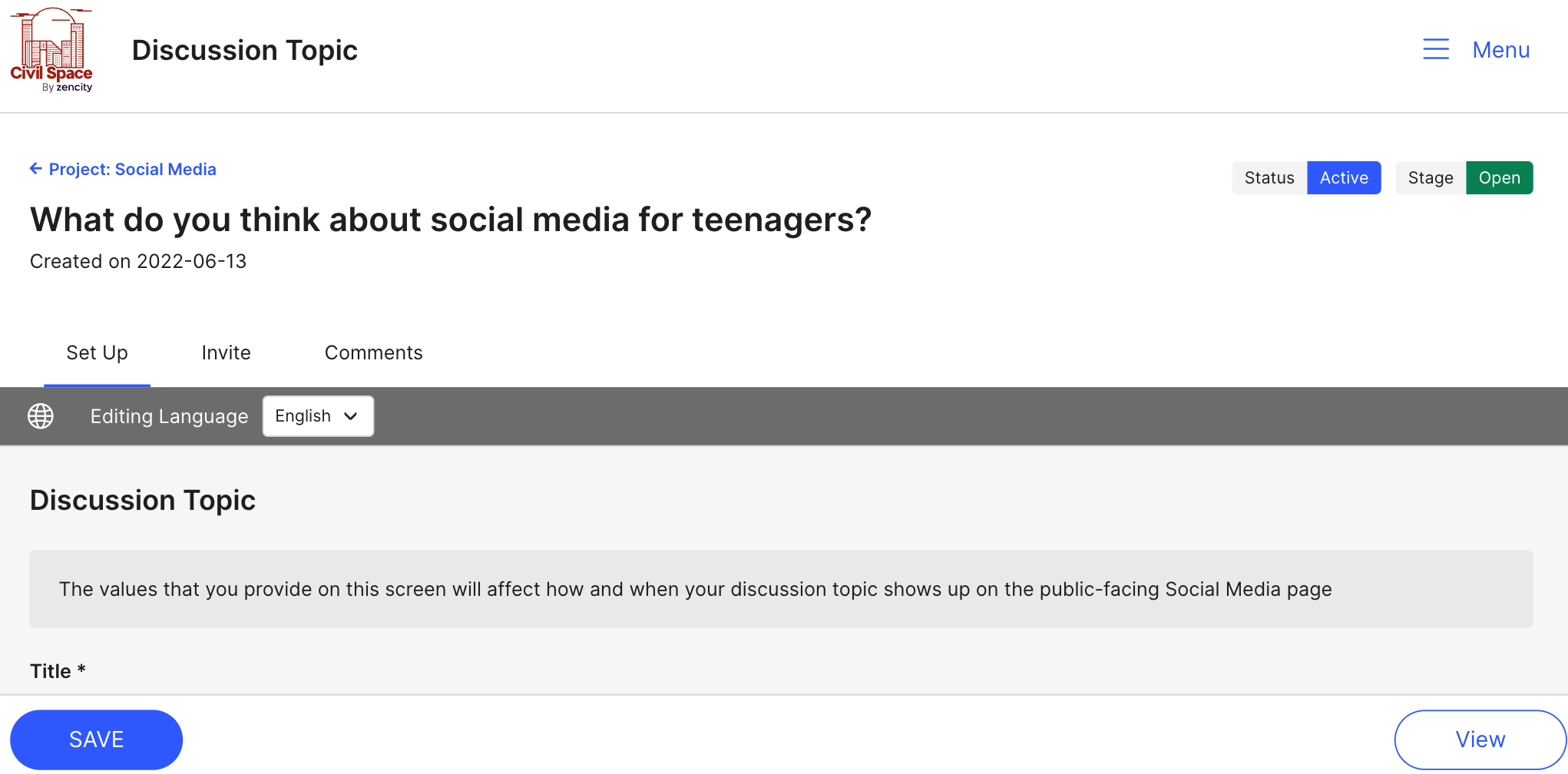
Navigate to your project page, then go to your 'Discussion
Topic' tab and select the discussion topic that you want to
edit.

-
Navigate to the 'Comments' tab.
-
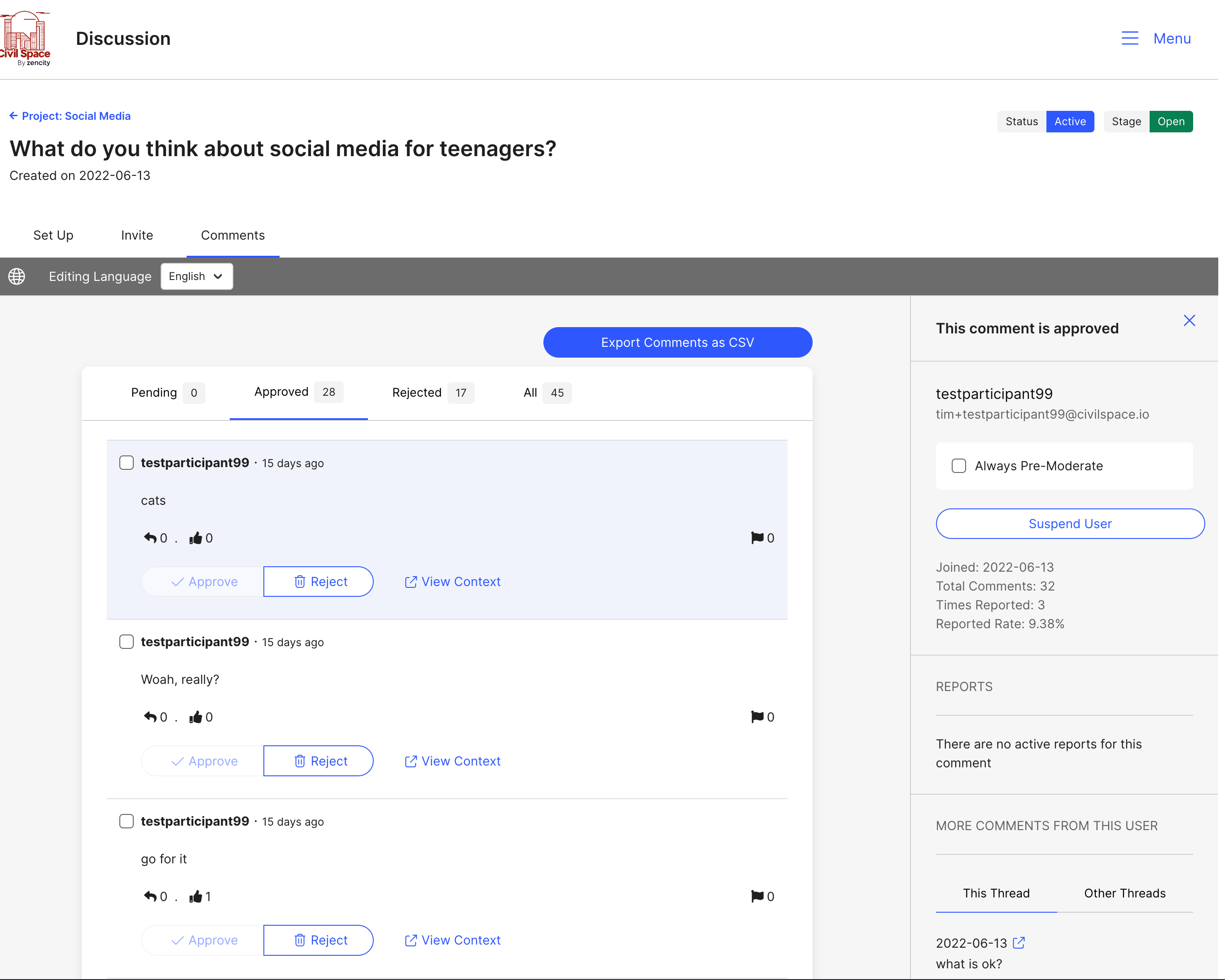
Locate the community member's comment and click on their
username. You should now see a side menu with the community
member's details.
-
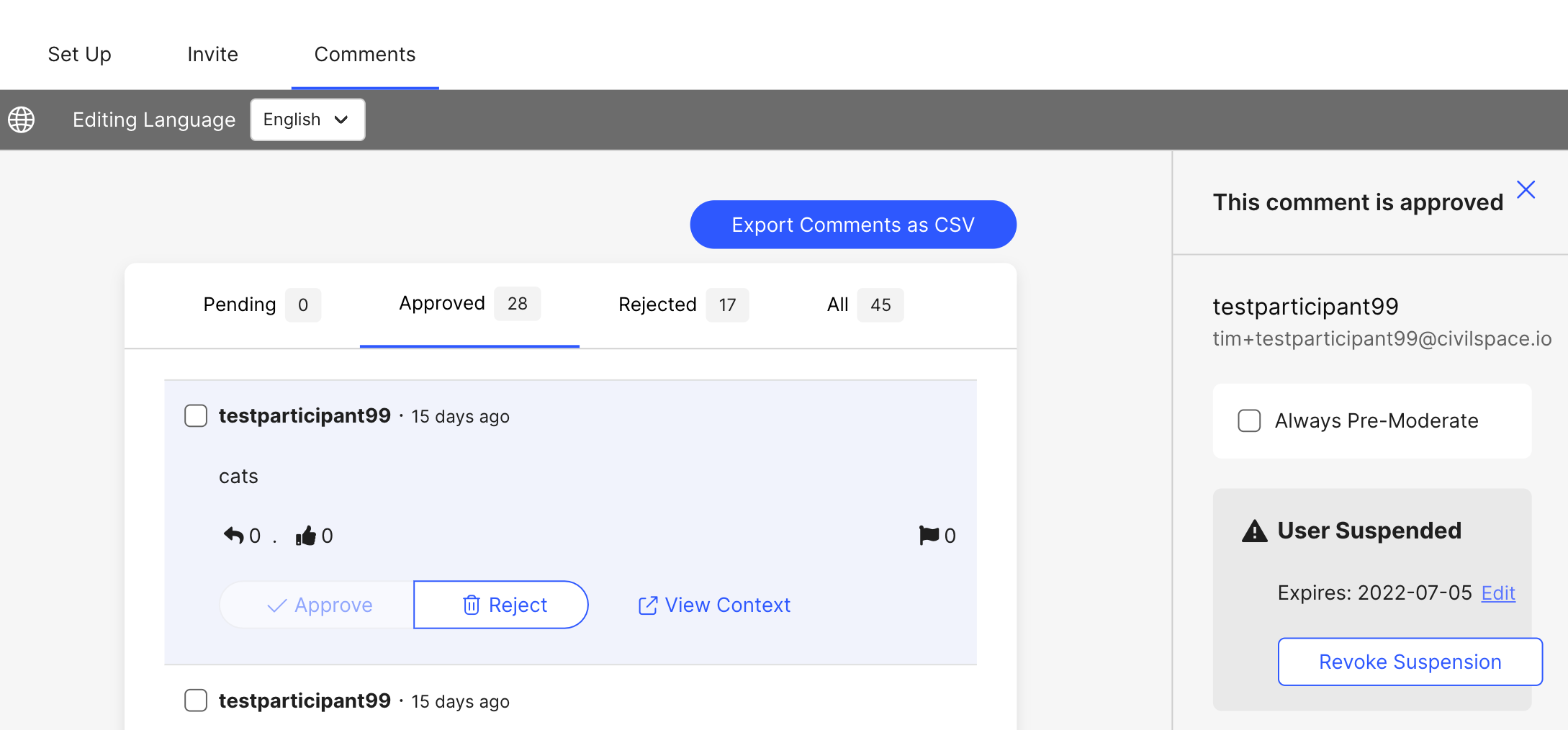
On the side menu, check the 'Suspend User' button. You now have
the option to suspend for 24 hours, 1 week, 1 month or
indefinitely. You can remove suspension at any time by
unchecking the 'Always Pre-Moderate' checkbox.

Comments
0 comments
Article is closed for comments.